

Research Help
We're here to help you succeed in your research.
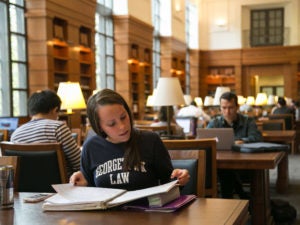
The Reference Desk is in the Atrium of the Williams Library on the main floor. During the academic year, this desk is open from Monday - Wednesday 9:00am to 8:00pm; Thursday & Friday 9:00am to 5:00pm; and on Sunday 12:00pm to 6:00pm. During the summer and school breaks, there is no evening or weekend reference service.

We offer research assistance, using chat software to connect you to one of our librarians -- no matter where you are. This service primarily supports the research, scholarly, and educational needs of Georgetown Law's students, faculty, and staff and is available whenever the Reference Desk is open.

Georgetown Law students can schedule an individual research consultation with a reference librarian for assistance with papers or other research projects. A librarian will contact you within two business days of receiving your request to schedule a meeting and will prepare for your topic.